Phone Systems (PBX)
A modern phone system, installed and managed for you.
We set up and run IP phone systems on Asterisk and FreePBX, with SIP trunks, call recording and analytics. Keep your number and carrier and forward calls to us, or port your numbers over. It’s the foundation your AI plugs into, and one team looks after all of it.
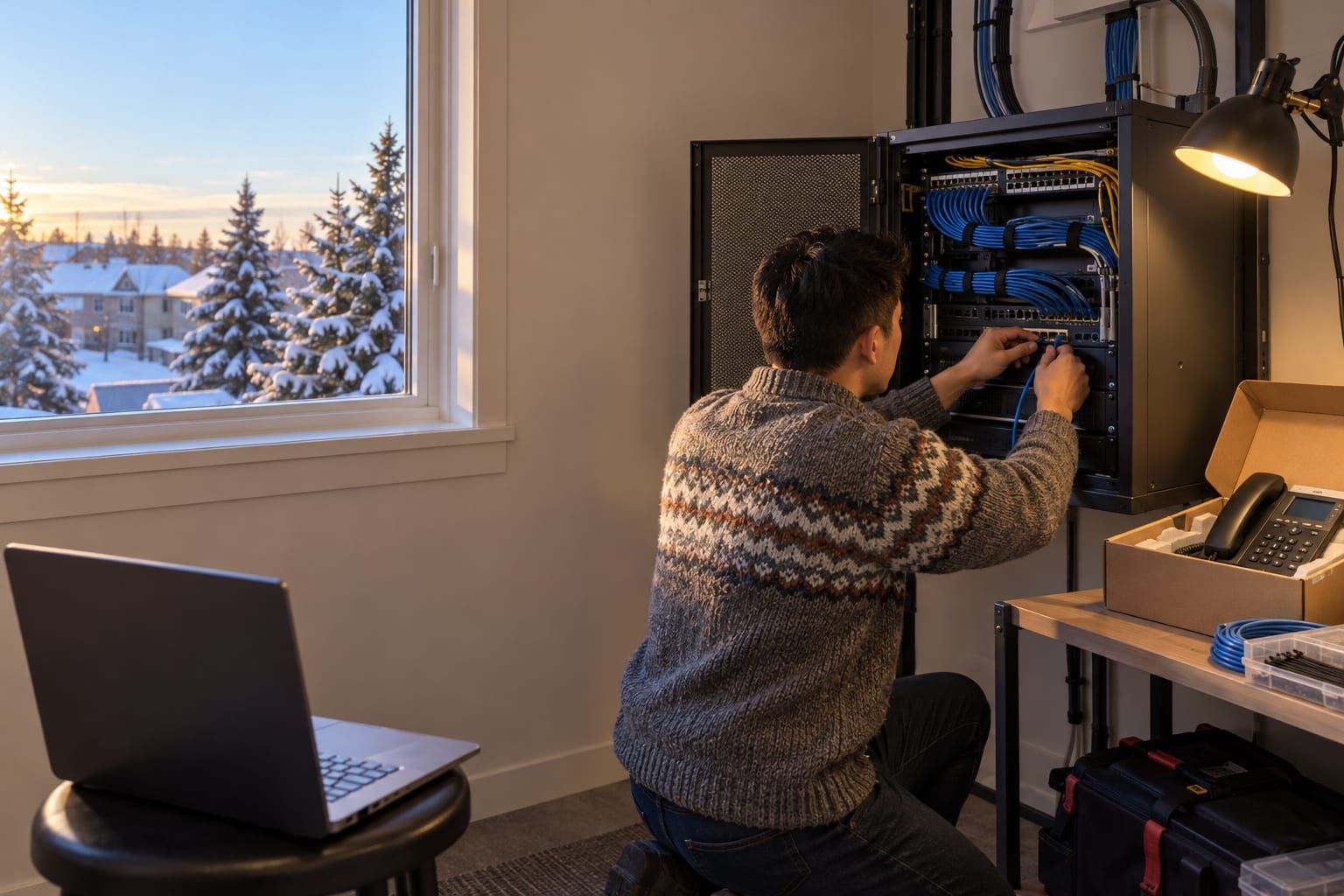
The problem
Nobody owns the phone system until it breaks.
There’s a box in the server closet that nobody has touched in years. The vendor who installed it doesn’t call back. Every line costs a monthly fee and nobody is sure which ones you still need. After hours, calls go to a voicemail box that someone checks when they remember.
When you want to add something new, like routing calls to an AI agent, recording calls or seeing where calls go missing, the answer is “the system can’t do that.”
What it does
What’s included
An IP PBX on Asterisk / FreePBX.
Open-source, widely supported phone system software, hosted on Middlesurf’s own servers in Canada, on a server at your office, or both. You’re not locked into a proprietary platform.
SIP trunking.
Inbound and outbound calling over your internet connection, through your existing SIP provider or one we help you choose, with local and toll-free numbers and capacity that grows with your call volume.
Keep your number: forward it or port it.
The fastest start is call forwarding. Your number and carrier stay as they are, and you forward calls to us: all of them, after hours only, or when nobody picks up. To undo it, you turn the forwarding off. When you’re ready to move fully, we port your numbers, handle the paperwork with your carrier and schedule the switch so calls keep coming in.
Call flows that match how you work.
Auto attendant, ring groups, queues, business-hours and holiday schedules, voicemail to email, and follow-me to mobile phones.
Call recording with notices.
Record inbound and outbound calls, with a recording notice in your greeting. Retention is up to you, and recordings are stored in Canada or on-site.
Call analytics.
Call volume by hour, missed calls, wait times, and which numbers and campaigns ring most.
Fully managed
We run it. We don’t just install it.
Security and toll-fraud protection.
Firewalls, rate limits and calling restrictions guard against the fraudulent international calls that can run up a bill overnight on an unprotected system.
Updates and backups.
Patches are applied and tested, and configuration is backed up so a failed server can be rebuilt.
Changes on request.
New staff, new extensions, a new holiday schedule: tell us and it’s done.
9-1-1 location registration.
We help you register each site’s address with your carrier, so emergency calls show the right location.
How it works
How a switch‑over works
Audit.
We review your current lines, numbers, carrier contracts and call flows, and check that your network can carry voice cleanly.
Design.
We map who answers what, when, and where calls go after hours, including where AI agents will fit.
Install, then forward or port.
We set up the new system alongside the old one and test it. Then you forward your calls to it, or we port your numbers over, usually outside business hours.
Train.
Your team learns the phones, apps and voicemail in a short session.
Manage.
We monitor, maintain and change the system as your business changes.
AI-ready
Ready for AI from day one.
Because we build the phone system and the AI, they work together from the start. The PBX can send after-hours or overflow calls to an AI voice agent, recordings feed transcripts and summaries into your CRM, and a missed call can trigger a text-back automatically. You add these one at a time, whenever you’re ready.
Integrations
Works with what you have
We connect your phone system to the equipment and software you already use.
- PhonesSIP desk phones, plus softphone apps for computers and mobile phones
- Email and calendarsMicrosoft 365 / Outlook, Google Workspace (voicemail to email)
- CRMsHubSpot, Salesforce (click-to-call and caller lookup)
- CollaborationMicrosoft Teams
- Existing systemsWe can take over and maintain an existing Asterisk or FreePBX installation
Try it by phone
Hear what a phone line with AI sounds like.
Call our main line. Our own AI assistant answers, and can take a message or put you through to a person: the same kind of setup we build for businesses.
Our AI assistant answers in English, French and many other languages. It can take a message, pass on your request for a call with our team, or put you through to a person.
FAQ